You may also like:
- Prompt Anatomy 101
- Negative Prompting (What NOT to Include, And Why It Matters)
- Temperature and Creativity: Understanding AI Parameters (Simple Explanation)
You’ve mastered the basics of prompt engineering.
You know how to write clear instructions and provide context.
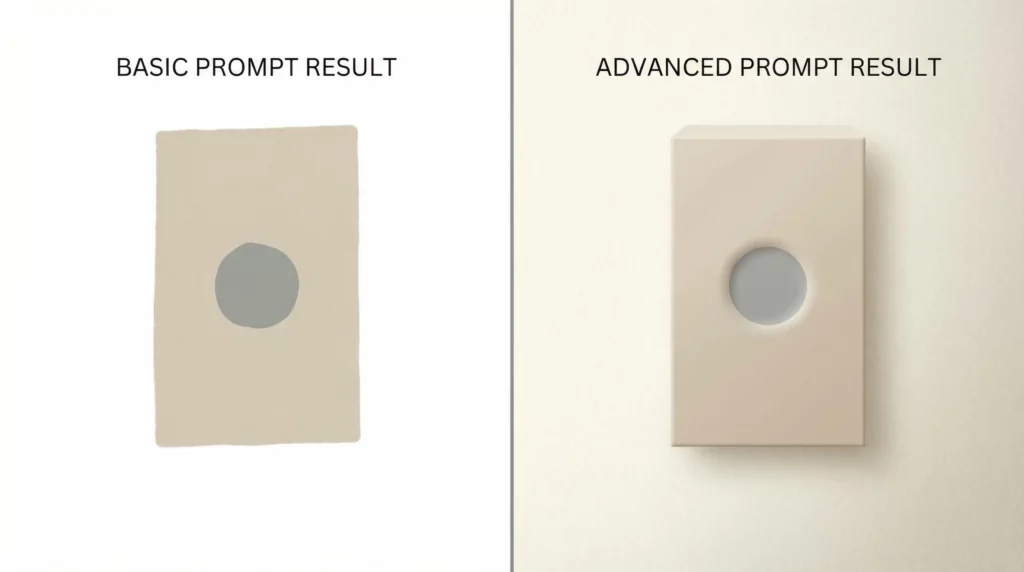
But here’s the thing: basic prompts get you basic results.
If you want AI to produce content that converts, you need advanced techniques.
The kind that gives you precise control over tone, format, and output quality.
Today, we’re diving deep into three game-changing prompt engineering techniques: constraints, personas, and output control.
These aren’t just theory. They’re practical tools that’ll transform how you create affiliate content.
Let’s get started.
Why Advanced Techniques Matter for Affiliate Marketers
Here’s what most affiliate marketers get wrong.
They treat AI like a simple question-answer machine.
Ask a question. Get an answer. Done.
But that approach leaves money on the table.
Think about it: when you’re creating product reviews, comparison articles, or email sequences, you need more than generic content.
You need content that speaks to your specific audience. You need formatting that matches your brand. You need output that’s ready to publish with minimal editing.
That’s exactly what advanced prompt techniques deliver.
They give you surgical precision over AI outputs.
Technique #1: Constraints (The Power of Limitations)
Constraints are rules you build into your prompts.
They tell AI exactly what it can and cannot do.
Sounds restrictive, right?
Actually, it’s the opposite.
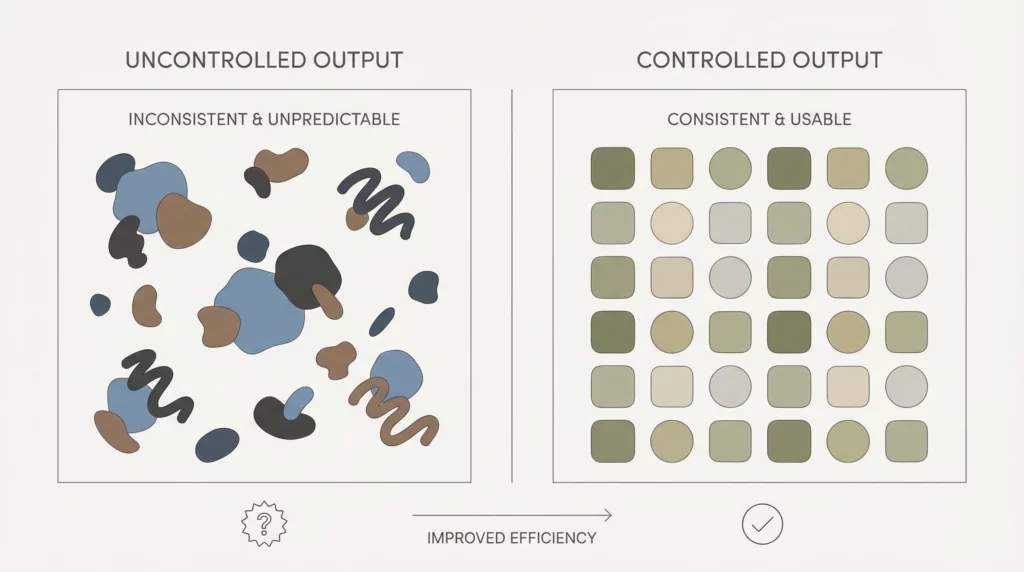
Constraints free you from endless editing and revision.
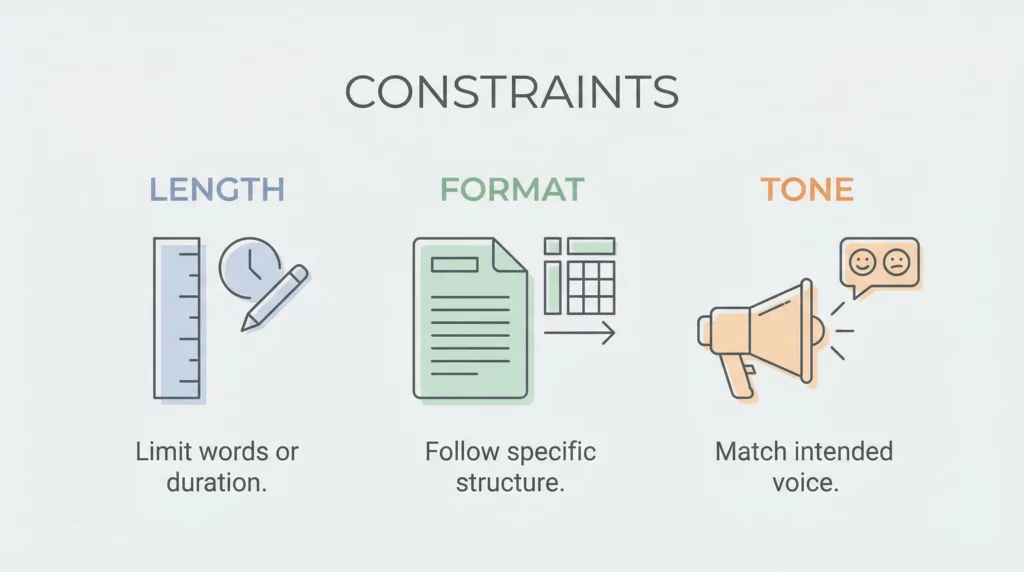
Types of Constraints You Need to Know
Length Constraints
Control exactly how long your output should be.
Bad example: “Write a product review.”
Good example: “Write a 500-word product review. Include exactly 3 pros and 3 cons. Keep paragraphs under 50 words.”
See the difference?
The second prompt gives you predictable, usable output every time.
Format Constraints
Specify the exact structure you want.
Example for affiliate email:
Write an email about [product name] with these constraints:
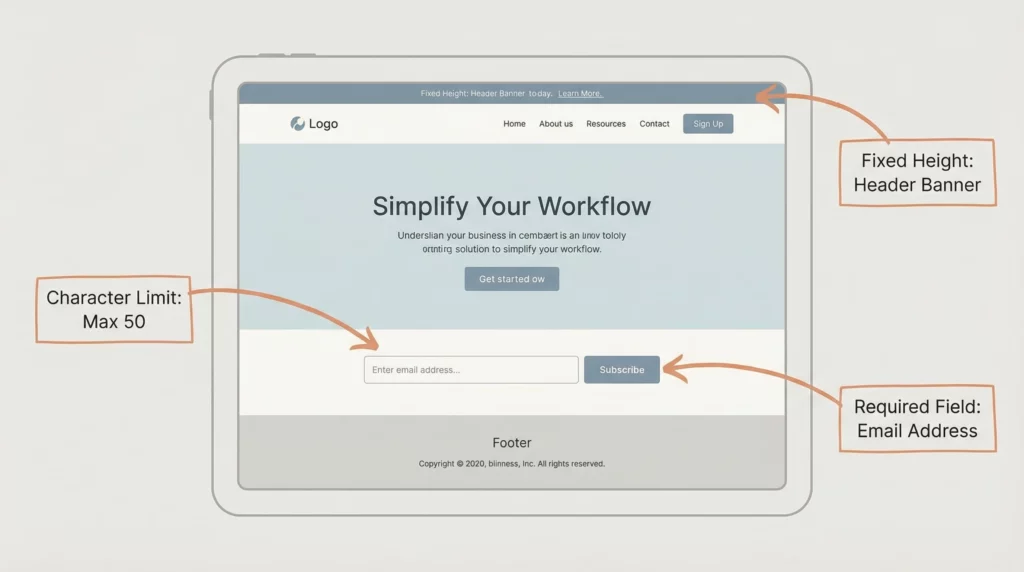
- Subject line: Maximum 50 characters
- Opening: 1 sentence that asks a question
- Body: 3 short paragraphs, each starting with a number
- CTA: Single sentence with exactly one link
- Closing: Friendly sign-off, no more than 5 words
This prompt produces ready-to-send emails.
No restructuring needed.
Tone Constraints
Define the exact voice you need.
Instead of saying “be casual,” try:
Use these tone constraints:
- Write like you're texting a friend
- No jargon or technical terms
- Sentence length: 5-15 words maximum
- Use contractions (you're, don't, can't)
- Avoid words like "leverage," "utilize," "implement"
Specific tone constraints = consistent brand voice.
Content Constraints
Tell AI what to include and exclude.
Perfect for affiliate product comparisons:
Compare Product A vs Product B with these constraints:
- Must include: price, main features, target audience, warranty
- Must exclude: technical specifications, company history
- Focus only on benefits that matter to beginners
- Do not mention competitors outside these two products
You get focused, relevant comparisons.
No fluff. No distractions.
How to Write Effective Constraints
Follow this simple formula:
1. Start with the outcome you want
“I need a product review that converts casual readers.”
2. Identify what makes it effective
- Specific length that holds attention
- Clear structure readers can scan
- Conversational tone that builds trust
3. Turn each element into a rule
Write a 600-word product review with:
- 5 sections: Introduction, Features, Benefits, Drawbacks, Verdict
- Paragraphs: 40-60 words each
- Tone: Conversational, like talking to a friend
- No marketing buzzwords
- Include exactly 2 personal anecdotes
4. Test and refine
Run the prompt. Check the output. Adjust constraints as needed.
Real-World Constraint Example: Affiliate Landing Page Copy
Let’s build a complete prompt using constraints.
Create landing page copy for [product name] with these constraints:

STRUCTURE:
- Headline: 10 words maximum, include main benefit
- Subheadline: 15 words, address main objection
- 3 benefit sections: 50 words each
- CTA section: 30 words maximum

CONTENT RULES:
- Must mention: price point, money-back guarantee, time-to-results
- Must avoid: technical jargon, superlatives (best, amazing, incredible)
- Focus on: practical outcomes, real user scenarios

TONE:
- Write like a knowledgeable friend, not a salesperson
- Use "you" language throughout
- Sentence variety: mix of 5-15 word sentences
- Include 1 question per section

OUTPUT:
- Provide content only, no explanations
- Mark CTAs with [CTA] tags
- Indicate where to place product images with [IMAGE: description]
This prompt gives you publication-ready landing page copy.
That’s the power of constraints.
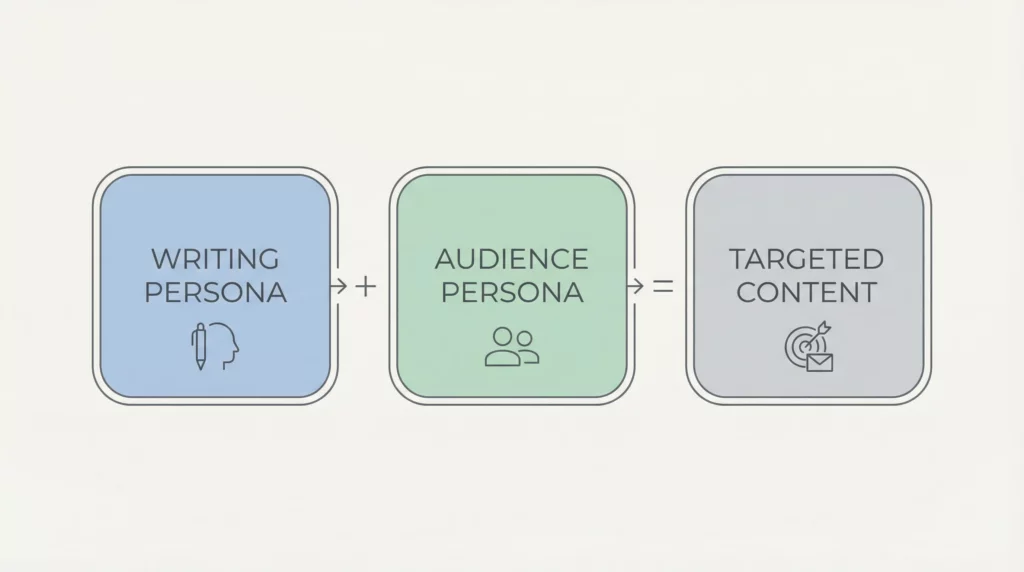
Technique #2: Personas (Speaking Your Audience’s Language)
Personas transform generic AI content into targeted messaging.
Here’s how it works.
Instead of asking AI to write “content,” you ask it to write as someone specific.
That someone could be:
- The AI itself (writing persona)
- Your target reader (audience persona)
- A character or expert (expert persona)
Let’s break down each type.
Writing Personas: Who’s Creating the Content?
This tells AI who it should “become” when writing.
Basic approach: “Write as an expert.”
Advanced approach:
You are a 35-year-old affiliate marketer who:
- Started with zero knowledge 3 years ago
- Makes $5K/month from niche sites
- Specializes in honest product reviews
- Speaks from experience, not theory
- Admits what you don't know
- Uses real examples from your journey

Write in this voice consistently.
The difference in output quality is dramatic.
Why? Because AI now has context for every word choice.
Audience Personas: Who Are You Writing For?
Define your reader with precision.
Weak prompt: “Write for beginners.”
Strong prompt:
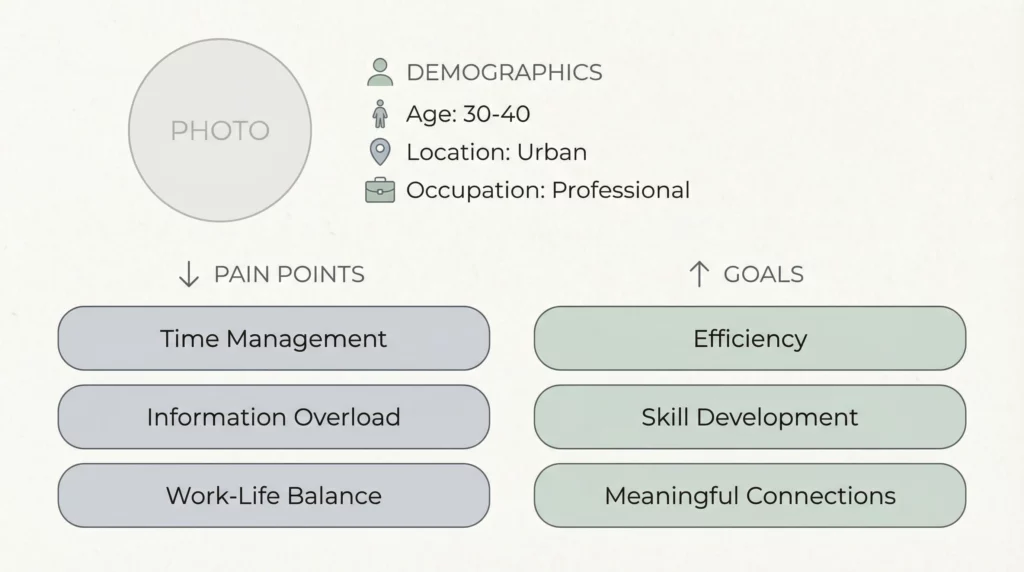
Your target reader is:
- Name: Sarah
- Age: 32
- Situation: Works 9-5, wants side income
- Knowledge: Understands basics of online business, new to affiliate marketing
- Pain points: Limited time, overwhelmed by information, afraid of wasting money
- Goals: Make first $500/month within 3 months
- Objections: "I'm not tech-savvy," "I don't have a big audience"

Address Sarah directly in your writing.
Use her language and concerns.
Now AI writes to a real person, not a vague demographic.
Expert Personas: Borrowing Credibility
Sometimes you need specialized knowledge.
Create expert personas to tap into specific expertise.
Example:
Analyze this product from the perspective of:

Dr. Jennifer Chen, ergonomics specialist with 15 years of experience evaluating office furniture. She prioritizes:
- Long-term health impacts
- Measurable posture improvements
- Evidence-based design features
- Value for money vs. health benefits

Write her professional assessment of this office chair.
Include the technical details she'd notice that average buyers miss.
This generates expert-level analysis that builds trust.
Combining Multiple Personas
Here’s where it gets powerful.
Use both writing AND audience personas together.
YOU ARE: Alex, a 40-year-old former corporate employee who built a $10K/month affiliate business in the productivity niche. You're practical, skeptical of hype, and share real numbers.

YOUR READER IS: Mark, 28, grinding at a startup, wants to build side income but barely has time to sleep. He's smart but impatient, needs proof things work.

TASK: Write an email about a time-tracking app that helps Mark see how he could find 5 hours per week for his side project.

Use Alex's voice to speak to Mark's specific situation.
This creates highly targeted, authentic content.
Persona Prompt Template
Use this template for any affiliate content:
WRITING PERSONA:
I am [name], a [age] [occupation/background] who [relevant experience].
My perspective is shaped by [key experiences].
I communicate by [specific style traits].

AUDIENCE PERSONA:
My reader is [name], [age], [situation].
They struggle with [specific pain points].
They want [specific goals].
They believe [limiting beliefs or objections].

TASK:
[Your specific content request]

APPROACH:
Address the reader's [specific concern] by sharing [type of information] in a way that [desired outcome].
Fill this in before every major content piece.
Your conversion rates will thank you.
Technique #3: Output Control (Getting Exactly What You Need)
Output control is about format, structure, and deliverability.
You’re telling AI exactly how to package the information.
Not just what to say, but how to present it.
Structural Output Control
Define the exact architecture of your content.
Example for product roundup:
Create a comparison of 5 productivity apps using this exact structure:

[INTRODUCTION - 100 words]
- Hook with common problem
- Preview the 5 apps

[FOR EACH APP]
[APP NAME] - [One-sentence positioning]

Quick Stats:
- Price: [amount]
- Best for: [user type]
- Key feature: [one feature]

The Good:
- [Benefit 1]
- [Benefit 2]
- [Benefit 3]

The Bad:
- [Drawback 1]
- [Drawback 2]

Verdict: [50 words - who should buy this]

[FINAL COMPARISON TABLE]
[Create markdown table comparing all 5 on: Price, Learning Curve, Support, Best Feature]

[CONCLUSION - 100 words]
- Overall recommendation
- Different apps for different needs
AI follows this structure exactly.
Every time.
Format Output Control
Specify the exact formatting you need.
Markdown for blog posts:
Format output as:
- H2 headers for main sections (##)
- H3 headers for subsections (###)
- Bold for product names and key benefits
- Italics for emphasis (sparingly)
- Bullet points for lists of 3+ items
- Numbered lists only for sequential steps
- Blockquotes for testimonials or important callouts
HTML for email:
Format as HTML email with:
- Single column, max-width 600px
- Paragraph tags with 15px bottom margin
- Bold tags for product names
- One CTA button in #FF6B35 color
- No CSS classes, only inline styles
This eliminates formatting work on your end.
Data Output Control
Control how AI presents information and data.
Perfect for affiliate comparison content:
Present pricing information as:
- Always show monthly cost first
- Include annual cost in parentheses
- Show savings percentage if annual plan exists
- Format: $XX/month ($XXX/year, save XX%)
- Use "Starting at" if multiple tiers
- Mark "Most Popular" tier clearly

Example: $29/month ($290/year, save 17%) - Most Popular
Consistent data presentation builds trust.
Response Type Control
Tell AI what kind of response you want.
Options include:
Provide output as:
- Direct content (no explanations)
- Content + rationale (explain your choices)
- Multiple options (give 3 variations)
- Step-by-step breakdown (show your process)
- Question format (help me refine the approach)
Example:
Create 3 subject line variations for this affiliate email.

For each variation:
1. Show the subject line
2. Explain why it might work
3. Note which audience segment it targets

Format:
**Option 1:** [subject line]
*Why it works:* [brief explanation]
*Best for:* [audience type]
This gives you options and education simultaneously.
Advanced: Conditional Output Control
Set rules that trigger different outputs.
Create a product review with conditional formatting:

IF product price > $100:
- Include detailed ROI analysis section
- Add "Investment Considerations" section
- Mention payment plan options if available

IF product price < $50:
- Lead with "Quick Wins" section
- Keep review under 400 words
- Focus on immediate value

IF product has trial/demo:
- Include "Try Before You Buy" callout box
- Add step-by-step trial signup process
This creates dynamic content based on product characteristics.
Output Control Template
Use this for any content creation:
STRUCTURE:
[Define exact sections and order]

FORMAT:
[Specify markdown, HTML, plain text, etc.]

STYLE RULES:
[Headers, bold, lists, etc.]

DATA PRESENTATION:
[How to show numbers, prices, stats]

SPECIAL ELEMENTS:
[CTAs, images, quotes, boxes]

RESPONSE TYPE:
[Direct content, multiple options, with explanation, etc.]

CONDITIONAL RULES:
[If X, then Y formatting/content]
Combining All Three Techniques
Here’s where the magic happens.
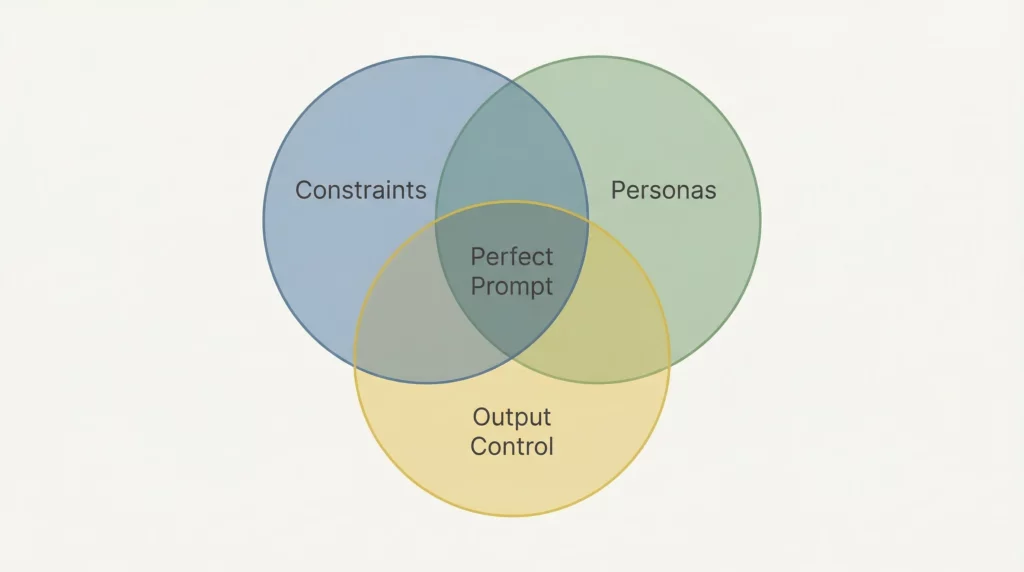
Use constraints + personas + output control together.
Real example for affiliate product review:
PERSONA:
You are Jamie, a 38-year-old affiliate marketer who reviews project management tools. You've personally used 20+ tools over 5 years. You're honest about limitations and focus on practical daily use.

Your reader is Michelle, a 29-year-old freelancer managing 3-5 client projects. She's overwhelmed by options and needs clear, honest guidance. She has a budget of $50/month max.

TASK:
Review [Project Management Tool Name]

CONSTRAINTS:
- Length: 800-1000 words
- Include: pricing, learning curve, best features, dealbreakers
- Exclude: company history, technical architecture
- Tone: Helpful friend, honest, no hype
- Mention at least 2 real use cases
- Address Michelle's budget concern directly

OUTPUT CONTROL:
Structure:
## Quick Take (50 words)
## Who It's Perfect For (100 words)
## What You Get (200 words)
- Pricing breakdown
- Core features
## Where It Shines (200 words)
- 2 specific use cases
## Where It Falls Short (150 words)
## The Bottom Line (100 words)

Format:
- Use H2 for main sections
- Bold product name and key features
- Include pricing in callout box: [PRICE BOX: details]
- Add comparison note: [COMPARE TO: alternative tool]

Response: Provide publication-ready content only, no meta-commentary.
This prompt produces professional, targeted content in one attempt.
Practical Application Workflow
Here’s how to implement these techniques systematically.
Step 1: Define Your Content Goal
What are you creating? Who’s it for? What action should it drive?
Step 2: Build Your Persona Foundation
- Who are you as the writer?
- Who are you writing to?
- What expert perspective adds value?
Step 3: Add Strategic Constraints
- What length works best?
- What tone converts your audience?
- What content must be included/excluded?
Step 4: Set Output Parameters
- What structure makes it scannable?
- What format do you need?
- How should data be presented?
Step 5: Test and Iterate
Run the prompt. Evaluate the output. Refine your constraints.
Step 6: Create Prompt Templates
Save successful prompts as templates for reuse.
Build a library of proven prompts for:
- Product reviews
- Comparison articles
- Email sequences
- Landing pages
- Social media posts
Common Mistakes to Avoid
Mistake #1: Too Many Constraints
Don’t over-constrain. Start with 3-5 key constraints, add more only if needed.
Mistake #2: Vague Personas
“Write for beginners” isn’t a persona. “Write for Sarah, a 32-year-old teacher exploring affiliate marketing in her summer break” is.
Mistake #3: Conflicting Instructions
Don’t say “be brief” and then require “comprehensive coverage.” Choose one priority.
Mistake #4: Ignoring Output Format
If you need HTML, say so upfront. Don’t ask for markdown then convert manually.
Mistake #5: No Testing
Your first prompt won’t be perfect. Test, refine, test again.
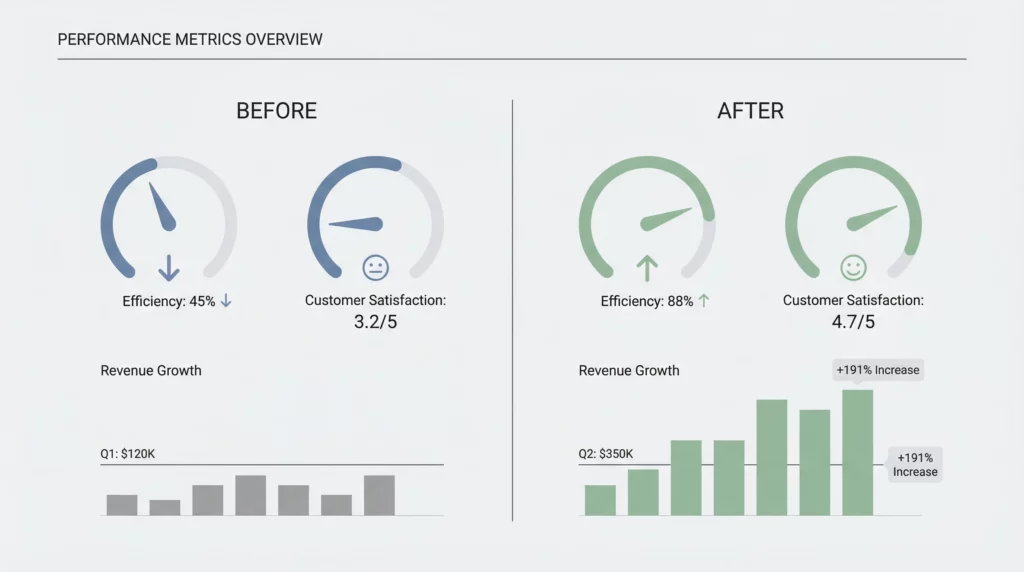
Measuring Success
How do you know if your advanced prompts work?
Track these metrics:
Editing Time
- Before: How long did you edit AI output?
- After: How long now?
- Goal: 50% reduction
Content Consistency
- Does output match your brand voice every time?
- Can you use it with minimal changes?
Conversion Performance
- Do advanced-prompt articles convert better?
- Compare click-through rates on CTAs
Content Production Speed
- How many pieces can you create per hour?
- How many are publication-ready?
Your Next Steps
Start with one technique at a time.
Week 1: Master Constraints
- Rewrite 3 prompts with specific length, format, and tone constraints
- Compare outputs with and without constraints
Week 2: Develop Personas
- Create detailed personas for your top 3 audience segments
- Write content using each persona
Week 3: Implement Output Control
- Build structure templates for your most common content types
- Test formatted output in your workflow
Week 4: Combine Techniques
- Create 3 comprehensive prompts using all techniques
- Build your prompt template library
The Bottom Line
Advanced prompt techniques aren’t optional for serious affiliate marketers.
They’re the difference between:
- Generic content vs. targeted messaging
- Hours of editing vs. ready-to-publish output
- Hit-or-miss results vs. consistent quality
Start with constraints. They give you immediate control.
Add personas. They give you authentic voice.
Implement output control. It saves you hours.
Combine all three. That’s when you 10x your content production.
The AI tools you’re using are powerful.
But without advanced prompting, you’re using a race car in first gear.
Time to shift up.
Your affiliate business will thank you.
Ready to level up your prompt engineering skills?
Start by choosing one product you’re promoting and rewrite your review using all three techniques. See the difference for yourself.