Meetings end. Nothing gets written down properly.
You have a page of scribbled notes, three different people’s interpretations of what was decided, and a follow-up email that never gets sent.
Two weeks later, nothing happened. Nobody remembers who was supposed to do what.
This is one of the most fixable productivity problems in any business. And AI fixes it in under five minutes.
You may also like:
- Business Plan Development (Using AI as Your Strategic Thinking Partner)
- How to Refine AI Content
- AI Prompt Builder
The Real Cost of Bad Meeting Documentation
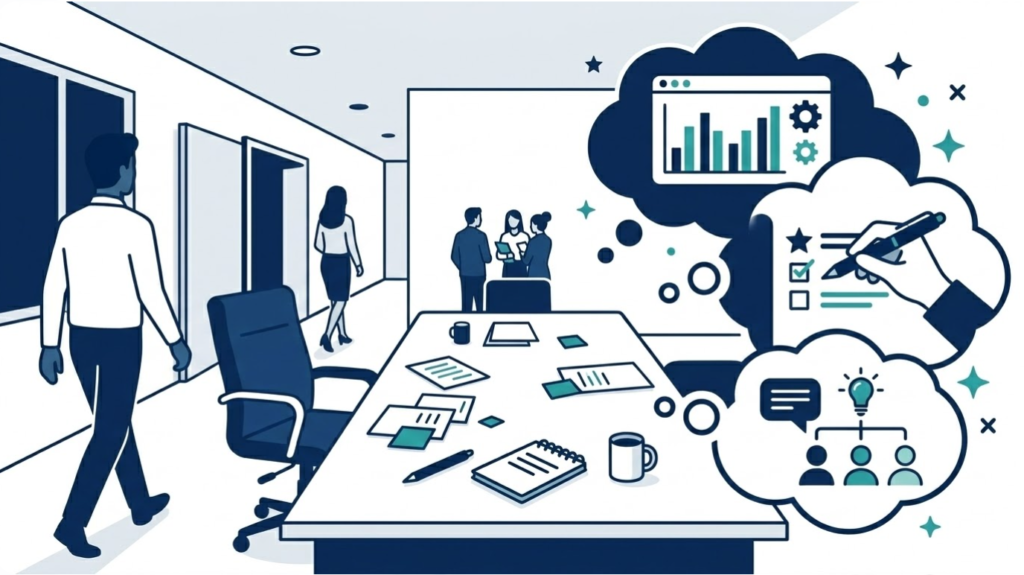
It’s not just wasted time in the room.
It’s the follow-up meeting you need because nothing from the first one happened. It’s the miscommunication that costs you a client. It’s the decision that gets made twice because nobody recorded it the first time.
Good meeting documentation does four things:
- Captures what was actually decided
- Assigns ownership to every action item
- Creates accountability with deadlines
- Gives absent stakeholders a clear picture
AI does all four — from your rough notes — in minutes.
What to Give AI Before You Prompt
The quality of your summary depends entirely on what you feed in.
You don’t need perfect notes. You need enough to work with.
Minimum viable input:
- The meeting topic or agenda
- Rough notes, even bullet points or fragments
- Names of who attended
- Any decisions made or next steps mentioned
The messier your notes, the more context you should add. A quick sentence like “this was a client kickoff call, the client seemed hesitant about the timeline” gives AI the framing it needs to produce something useful.
The 5 Prompts
Prompt 1: The Quick Summary
For short internal meetings, standups, or check-ins. Clean output in 30 seconds.
Here are my notes from a [meeting type] on [date]:
[paste your notes]

Attendees: [list names and roles]

Write a clean meeting summary that includes:
1. Meeting purpose (one sentence)
2. Key points discussed (bullet points, max 5)
3. Decisions made (bullet points)
4. Open questions still unresolved

Keep it under 200 words. Plain language, no corporate filler.
Prompt 2: The Action Item Extractor
Use this when accountability matters. Pulls every commitment out of messy notes.
Here are my notes from a meeting: [paste notes]

Extract every action item mentioned, implied, or agreed to.

For each action item format it as:
- TASK: [what needs to be done]
- OWNER: [who is responsible — use names from notes, or "TBD" if unclear]
- DEADLINE: [date mentioned, or "not specified"]
- CONTEXT: [one sentence explaining why this matters]

If ownership or deadlines are unclear, flag them explicitly.
List in priority order — most time-sensitive first.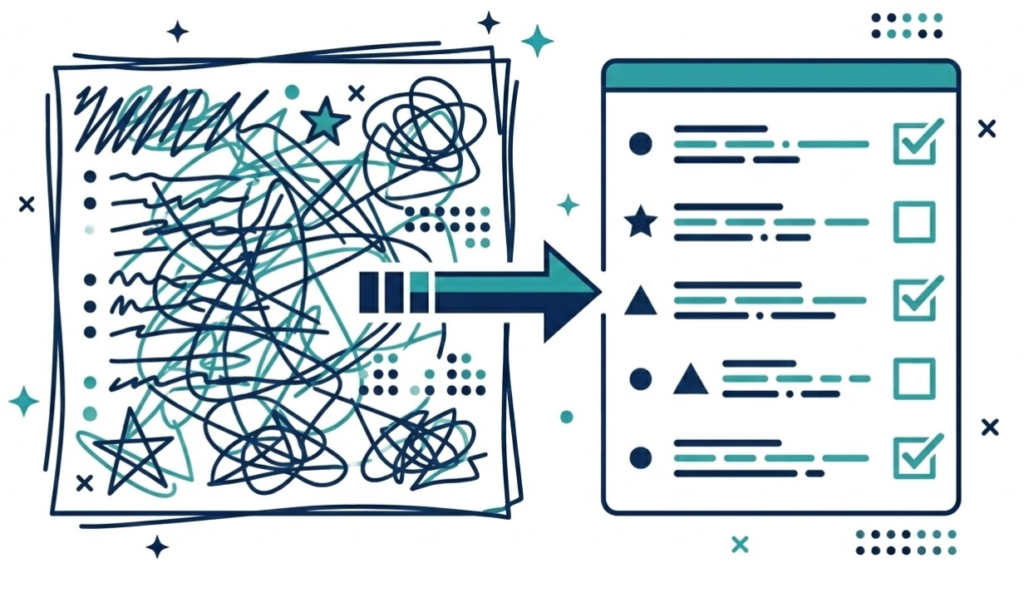
The “flag unclear ownership” instruction is critical. Ambiguous responsibility is where action items go to die.
Prompt 3: The Follow-Up Email Writer
Turns your summary directly into a send-ready email. No rewriting required.
Here is the meeting summary and action items: [paste Prompts 1 and 2 outputs]

Write a follow-up email to send to all attendees.

Requirements:
- Subject line that clearly references the meeting
- Opening that thanks people for their time (one sentence only)
- Brief recap of key decisions (3 sentences max)
- Action items listed clearly with owner and deadline
- Clear next meeting date or next step if one was agreed
- Professional but conversational tone — not stiff or corporate

Keep the whole email under 200 words.
Send this within an hour of the meeting. Response rates and follow-through both drop significantly after 24 hours.
Prompt 4: The Stakeholder Briefing
For people who weren’t in the room but need to know what happened.
Here is a full meeting summary: [paste summary]

Rewrite this for [stakeholder name/role] who was not in the meeting.

They need to know:
1. What was decided that affects them
2. What action (if any) is required from them
3. Any context they need to understand the decisions

What they do NOT need:
- Full discussion details
- Items that don't affect them
- Background they already know

Keep it to 3 short paragraphs. Lead with what matters most to them specifically.
Different stakeholders need different information. A client summary looks nothing like an internal team summary. This prompt adapts automatically.
Prompt 5: The Decision Log

For ongoing projects with multiple meetings over time. Builds a running record of every decision made.
Here is a new meeting summary to add to our decision log: [paste summary]

Here is the existing decision log: [paste previous log, or "this is the first entry"]

Update the decision log by:
1. Adding new decisions with date and meeting context
2. Marking any previous decisions that were revisited or changed
3. Flagging any decisions that are still pending or unresolved
4. Noting dependencies — decisions that rely on other decisions being made first

Format as a clean running log, newest entries at the top.
By month three of a project, this log is invaluable. You’ll know exactly what was decided, when, and why — without digging through dozens of old email threads.
The 5-Minute Post-Meeting Routine
Build this habit and you’ll never lose a meeting outcome again.
- During the meeting: Take rough notes. Don’t worry about format.
- Immediately after: Run Prompt 2 (Action Item Extractor) while context is fresh.
- Within one hour: Run Prompt 3 (Follow-Up Email) and send it.
- For ongoing projects: Run Prompt 5 (Decision Log) to update your record.
- For absent stakeholders: Run Prompt 4 (Stakeholder Briefing) as needed.
Total time: under five minutes. Total clarity: complete.
The Bottom Line
Meetings aren’t the problem.
Bad follow-through is the problem.
Five prompts fix it. A five-minute habit locks it in.
The next meeting you leave without proper documentation is a meeting that will need to happen again. Use these prompts and that stops today.